How to Remember Your Packed Lunch on Office Days
A prepared lunch still needs to leave the refrigerator with you. Use one departure reminder, preserve safe storage, and check the handoff on your next office days.
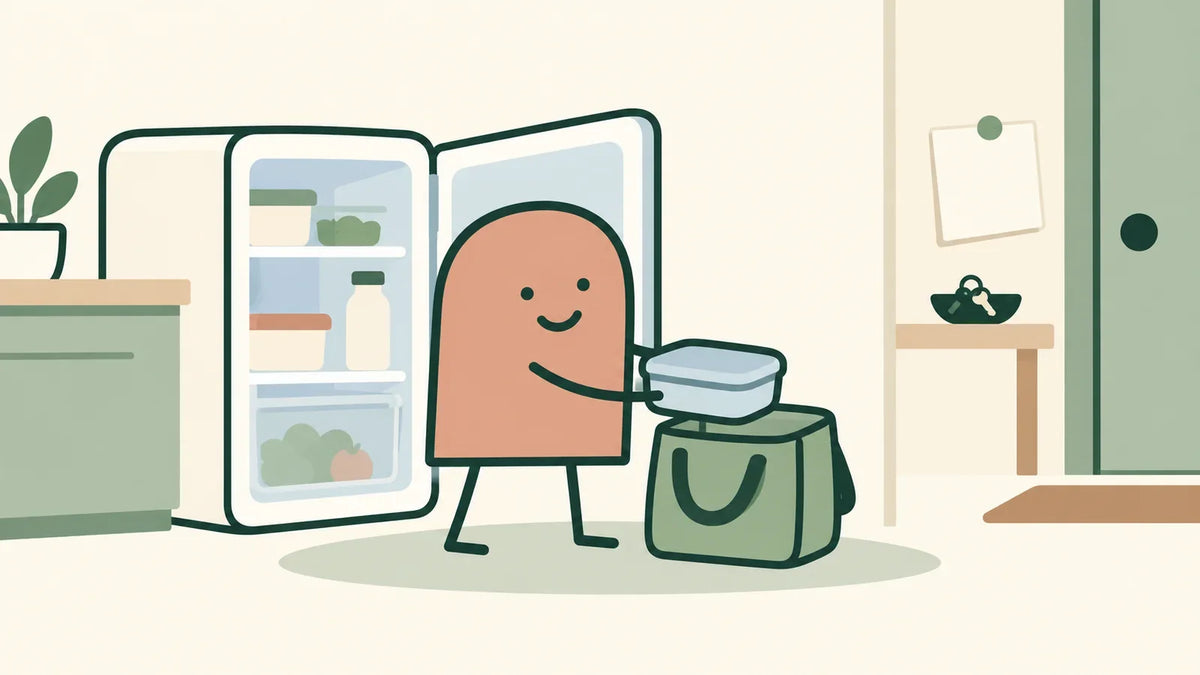
To remember your packed lunch, give the trip from the refrigerator to your work bag a clear place in your departure. Leave perishable food refrigerated until you are ready to pack it safely. Put a reminder where you already look before leaving, then test whether that reminder gets the lunch into your hands on the right days.
You did the shopping. You prepared the food. Then you arrived at work and pictured the container still sitting in your refrigerator. The unfinished step may be the handoff between a ready lunch and leaving home. You can work on that step without designing a new menu or rebuilding your morning.
Check where the lunch stopped
Think about the most recent occasion you remember clearly. Was the food ready? Did you know which container to take? Was a suitable bag available? Did you remember only after leaving?
Those are different situations. If nothing was ready, start with a small meal plan. If lunch was ready but stayed home, keep the question narrow: what would help you retrieve that particular lunch before you leave?
Write one factual line, such as, “Tuesday: lunch was in the refrigerator; I remembered it on the train.” Avoid filling in a reason you do not know. If you are reconstructing the morning afterward, label that line as a later recollection.
Put the reminder on your departure route
Choose a place you already look on office mornings: beside your work pass, on the handle of your work bag, or near the shoes you put on. Use a short instruction that names the missing step: “Get lunch from fridge.” The food stays cold; the reminder comes to the departure point.
Check the sequence before using it. If the work pass is beside the front door, will you have time to return to the kitchen? If another person uses the same bag, will the reminder confuse them? If you leave through a different door, will you see it? A visible note helps only if it points to a doable next step.
You do not need to relocate your keys into the refrigerator or create a scavenger hunt for essentials. Keep important belongings in their appropriate place. For the broader question of selecting a usable signal, see how to choose a habit cue.
Keep the cold storage plan intact
Do not leave a perishable lunch by the door overnight to make it easier to remember. Health Canada recommends a refrigerator temperature of 40°F (4°C) or lower. Its storage guidance also explains that smell and taste cannot establish whether food is safe.
For transport, U.S. guidance for bag lunches recommends two cold sources with perishable food and a refrigerator or cooler on arrival when available. Health Canada also recommends an insulated lunch bag and an ice pack. A reminder cannot replace safe storage throughout the trip and workday. Before trying the plan, check what is available at work. If you cannot keep that lunch safely cold, choose an option that does not require refrigeration or another suitable meal arrangement; do not assume a small ice pack will cover an entire workday.
Try one departure change
The following example is fictional, not a customer testimonial.
Taylor works in the office on selected days. Lunch is already prepared and refrigerated, and Taylor already has an insulated bag and frozen packs. The repeated problem is walking out with the work bag while the food stays behind.
Taylor clips a removable reminder to the work-bag handle before an office day. The plan is: “On an office morning with a prepared lunch, when I pick up my work bag to leave, I will retrieve the lunch and pack it with the cold sources.” Taylor allows a few minutes for that step rather than assuming it takes no time.
Taylor does not change breakfast, the wake-up time, or the menu during this test. After departure, the useful question is simply whether the lunch came along safely. If the reminder was noticed but the cold packs were unavailable, the note should name that obstacle. Adding a brighter reminder would answer the wrong problem.
If the setup itself is the obstacle, remove one practical barrier. Keep the change tied to what actually happened.
Make office days identifiable
A reminder left out every day can become ambiguous when some days are at home. Make it clear which departure it belongs to. A removable cue, placed when you know the next day is an office day, is one option to try if that small setup fits your evening.
If office attendance changes, check the real day before taking food. An unexpected work-from-home day does not require carrying lunch around the house to satisfy the plan. If the whole weekly arrangement has changed, use the office-transition guide to consider that wider question.
When a familiar disruption recurs, you can prepare a response to it. Do this for an obstacle you have encountered, rather than inventing backups for every possible morning. If lunch is forgotten, choose another available option that fits your needs. Eating unsafe food or skipping a meal is not a way to preserve the experiment.
Know what this small change can do
After the next few relevant departures, check whether the prepared lunch came with you, whether the reminder was noticed, and what got in the way. Missing notes remain unknown. These observations can inform a practical adjustment; they do not prove a health benefit or tell you what to eat.
The handoff cannot supply missing groceries, refrigerator space, a usable lunch break, or money for an alternative. Some constraints need a household or workplace arrangement. The useful result here is narrower: a lunch already prepared and safely stored reaches the place you intended to take it.
One Thing at a Time contains the complete Watch, Choose, Plan, Shrink, Note, and Review method and the 30-day Energy & Method program. It helps you connect a small departure change with the rest of your week, including its limits. Explore the complete guide.